
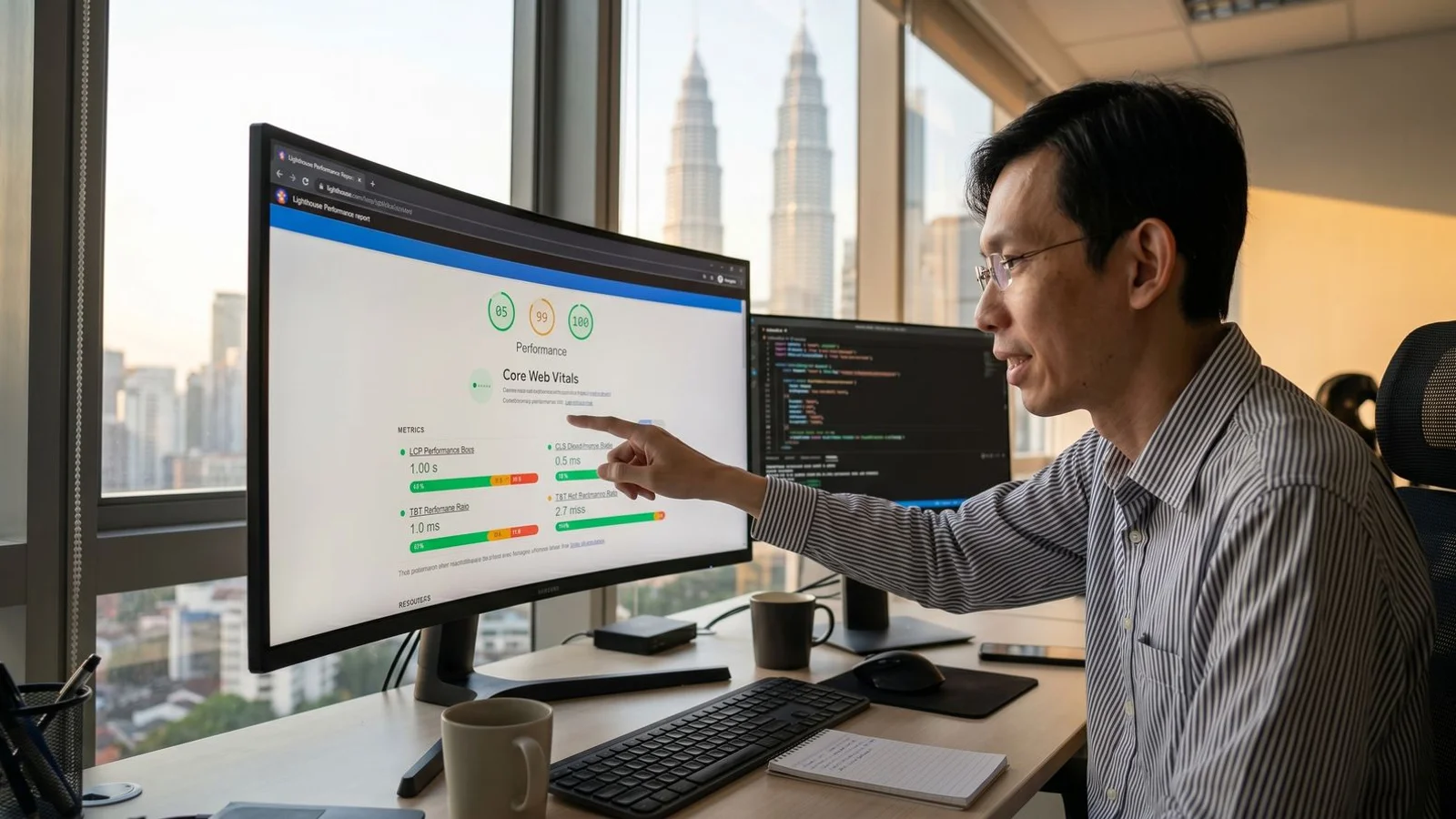
We often see websites struggling with ranking plateaus, and the culprit usually hides in slow load times. Founded in 2011 by SEO veteran Adam Yong, Adam SEO was built on the premise that search engine rankings alone are meaningless without tangible business results.
Our approach focuses on getting core web vitals explained clearly, providing the first step toward building a site that actually converts traffic into revenue.
This makes Google’s Core Web Vitals (CWV) the definitive user experience metric to track. Every Malaysian website is measured on these three indicators, with thresholds grading your site as “good,” “needs improvement,” or “poor.”
The main metrics are LCP for loading, CLS for visual stability, and INP for interactivity.
We always begin our technical audits by breaking down these exact scores. Interaction to Next Paint officially replaced the older FID metric as the standard interactivity measurement in March 2024, shifting the focus to complete session responsiveness.
The following sections will break down the exact fixes our team uses to resolve LCP, CLS, and INP failures on Malaysian domains.
The three Core Web Vitals Explained
We evaluate every client site against these three foundational performance pillars. Each metric targets a specific phase of the user’s loading experience.
Our internal data shows that many local e-commerce sites struggle specifically with interactivity due to heavy tracking scripts. Passing all three thresholds is now a baseline requirement for competitive organic visibility.
- LCP (Largest Contentful Paint): This tracks how fast your main content loads on the screen.
- CLS (Cumulative Layout Shift): This monitors how stable your layout remains while all assets finish loading.
- INP (Interaction to Next Paint): This calculates how responsive the page feels to user clicks and taps.
Interaction to Next Paint officially replaced the older FID metric as the standard interactivity measurement in March 2024.
LCP: Largest Contentful Paint
LCP measures the time from navigation start until the largest visible element finishes rendering. This element is usually your hero image, main heading, or primary product photo.
We look for an LCP score under 2.5 seconds to secure a “good” rating. Scores between 2.5 and 4.0 seconds require optimisation, while anything over 4.0 seconds is considered poor.
| LCP Score | Status |
|---|---|
| Under 2.5 seconds | Good |
| 2.5 to 4.0 seconds | Needs Improvement |
| Over 4.0 seconds | Poor |
Common Malaysian-site LCP failures:
- Hero images uploaded at 3 to 5 MB, which should be compressed under 300 KB.
- Images served as legacy JPEG formats instead of modern WebP.
- Missing
loading="eager"on above-the-fold LCP images, causing the browser to defer loading. - Web fonts blocking text rendering, creating a Flash of Invisible Text (FOIT).
- Slow local shared hosting adding 1 to 2 seconds of TTFB (Time to First Byte).
- Lack of CDN configuration for static assets.
Fixes:
- Compress and convert your main LCP image to WebP, keeping it under 300 KB.
- Add
fetchpriority="high"to the hero image tag. - Apply
font-display: swapfor all custom web fonts. - Move to performance hosting like Cloudways, Kinsta, or Cloudflare Pages to reduce TTFB.
- Configure a free Cloudflare tier to route traffic through their Kuala Lumpur edge nodes.
CLS: Cumulative Layout Shift
CLS measures how much visible content shifts position during a page load. A page that loads stably scores well, while a layout where elements jump around frustrates users and scores poorly.
We aim for a CLS score under 0.1 to pass Google’s visual stability threshold. Higher scores up to 0.25 indicate needed improvements, and anything above 0.25 falls into the poor category.
| CLS Score | Status |
|---|---|
| Under 0.1 | Good |
| 0.1 to 0.25 | Needs Improvement |
| Over 0.25 | Poor |
Common Malaysian-site CLS failures:
- Images missing explicit
widthandheightattributes, preventing the browser from reserving space. - Auto-injected ad slots from local ad networks like Innity that push content down unexpectedly.
- Web fonts causing text to re-flow visibly when they finish downloading.
- JavaScript-injected banners, popups, or notification bars appearing above the fold.
- Embedded iframes for YouTube or Google Maps missing reserved dimensions.
Fixes:
- Add exact
widthandheightattributes to every single<img>tag. - Reserve strict space for dynamic ads using the CSS
aspect-ratioormin-heightproperties. - Use
font-display: optionalor preload critical web fonts. - Avoid injecting promotional content above existing text, opting for fixed-position overlays instead.
- Wrap all embedded iframes in CSS containers with strictly reserved dimensions.
INP: Interaction to Next Paint
INP measures the longest delay between a user interaction and the visual update that responds to it. This metric replaced FID because it captures the entire lifespan of a page visit rather than just the first click.
Our team monitors INP closely because laggy buttons immediately kill conversion rates. A passing score sits under 200 milliseconds, whereas anything over 500 milliseconds is poor.
| INP Score | Status |
|---|---|
| Under 200ms | Good |
| 200ms to 500ms | Needs Improvement |
| Over 500ms | Poor |
Common Malaysian-site INP failures:
- Heavy JavaScript bundles exceeding 1 MB that block the browser’s main thread.
- Too many analytics scripts loading simultaneously, such as Google Tag Manager, Meta Pixel, and TikTok Pixel.
- Third-party customer chat widgets like Intercom or Tawk.to loading synchronously.
- Large WordPress plugins executing massive, monolithic JavaScript files.
- React or Vue sites functioning without proper code-splitting.
Fixes:
- Code-split your JavaScript bundles so you only load what is strictly needed per page.
- Defer or lazy-load all non-essential analytics tracking scripts.
- Replace blocking chat widgets with lazy-loaded versions, which most modern tools now support.
- Use a library like Partytown by Builder.io to offload third-party scripts to a background Web Worker.
- Audit your active WordPress plugins and replace the heaviest offenders.
How to measure CWV
Measuring your Core Web Vitals requires analysing both synthetic lab tests and real-world field data. Platforms like Google Search Console and CrUX offer distinct perspectives on your website’s performance.
We rely on three primary measurement approaches to audit client sites effectively. Using them together provides a complete picture of your technical health.
1. PageSpeed Insights (pagespeed.web.dev)
This free Google tool acts as the primary diagnostic starting point for any developer. The system displays both lab data from synthetic tests and field data gathered from actual users. You should test 5 to 10 representative pages across your site on a monthly basis.
Google upgraded this tool to Lighthouse 13 in late 2025, which introduced:
- Consolidation of legacy audits into specific developer insights.
- Improved mapping with Chrome DevTools for accurate debugging.
- Unchanged performance scoring to maintain historical comparisons.
2. Search Console > Core Web Vitals report
This dashboard shows real-user CWV data aggregated across your entire domain. The interface automatically groups URLs that share similar templates and highlights specific threshold failures. Our analysts consider this the absolute best interface for ongoing, high-level monitoring.
3. Chrome User Experience Report (CrUX)
CrUX acts as the underlying data source for all official Google field measurements. Large enterprise sites can access this raw database directly via BigQuery for advanced analysis. The system provides a 28-day rolling average of actual user experiences. Keep in mind that lab data and field data often differ, but field data always carries the weight for search engine rankings.
Why CWV matters for Malaysian sites specifically
Malaysian websites face unique digital infrastructure challenges that international platforms often bypass. Mastering cwv malaysia compliance is essential for maintaining strong organic visibility in a regional market.
We consistently see the same four structural issues holding back local businesses. These specific bottlenecks require immediate attention.
Local hosting latency
Shared hosting on older Malaysian servers frequently results in a Time to First Byte over 800 milliseconds. This severe latency cascades directly into automatic LCP failures before the page even begins to render. Moving your setup to a modern performance host paired with a CDN typically halves your LCP times overnight.
Mobile-heavy traffic
Over 90% of Malaysian web traffic originates from mobile devices. While the national 5G rollout by Digital Nasional Berhad (DNB) surpassed 80% coverage in populated areas by 2025, network speeds alone do not solve the problem.
Mobile users often experience delays because:
- Entry-level Android phones like the Redmi Note series struggle to parse heavy JavaScript quickly.
- Rural network transitions cause sudden packet drops.
- Aggressive battery-saving modes throttle background CPU processing.
Making mobile CWV thresholds incredibly challenging to hit without strict optimisation.
Heavy theme usage
Malaysian agency-built WordPress sites notoriously rely on bloated premium themes like Divi or Avada. These visual builders introduce severe baseline performance issues right out of the box. Migrating to a lightweight, modern alternative such as GeneratePress, Blocksy, or Astra typically fixes 60% of CWV failures instantly.
JavaScript-heavy landing pages
Conversion-focused e-commerce pages routinely load multiple tracking scripts alongside chat widgets and lead forms. This immense payload severely blocks the main thread and ruins your INP score unless deferred carefully. We always recommend isolating these scripts to prevent them from interfering with user interactions. Dedicated web workers handle this process flawlessly.
CWV vs SEO ranking impact
Core Web Vitals operate as a critical tiebreaker signal within the broader google page experience ranking systems. They evaluate the functional user experience to complement your actual content quality.
Our strategy treats technical performance and content depth as equal partners. A lightning-fast page will never outrank a competitor if your information lacks genuine value.
- A perfect CWV score does not rank you higher than a competitor on its own.
- Passing these metrics reliably wins tight rank positions when combined with strong content and authoritative backlinks.
- Speed matters exponentially more in highly competitive verticals where multiple pages offer equivalent content quality.
- The performance signal holds slightly less weight in long-tail niche queries where direct competition remains sparse.
- Google’s continuous core updates heavily punish sites with poor INP because unresponsive pages signal a highly frustrating user experience.
Do not chase perfect technical scores at the expense of creating helpful content. You must prioritise these vitals once your content baseline is solid.
Ongoing CWV maintenance
CWV optimisation is never a one-time fix. Websites naturally regress as marketing teams add new features, content, and tracking tools to drive sales.
We mandate regular performance audits for all clients to catch these degradations before they impact traffic. Consistent monitoring is the only way to protect your rankings.
Sites commonly regress when:
- Content creators upload new hero images without proper file compression.
- Administrators install new plugins without auditing their impact on the main thread.
- Marketing teams deploy new third-party scripts for external chat tools, popups, or user analytics.
- WordPress core updates or specific plugin upgrades inadvertently introduce heavy code.
Build a strict monthly monitoring habit to catch these regressions early. Using dedicated monitoring platforms like DebugBear helps you track your CrUX field data automatically. Most professional SEO agencies now include proactive CWV monitoring as a standard requirement in their ongoing SEO retainers.
Next steps
Taking action on your Core Web Vitals requires a structured approach to auditing and technical implementation. Use the resources below to guide your next site improvements.
We have compiled several specific guides to help you tackle these optimisations effectively. These step-by-step resources cover everything from basic checks to advanced server configurations:
- For a broader technical audit framework, see Technical SEO Audit Checklist.
- For Malaysian hosting considerations, see Site Speed Optimization on Malaysian Hosting Environments.
- For technical vs content prioritisation, see Technical SEO vs Content SEO: Where to Fix First?.
Having core web vitals explained is just the beginning; applying the fixes is what drives real business growth. Or request a free CWV audit, and we will benchmark your site’s LCP, CLS, and INP against your direct competitors.